Edit & annotate
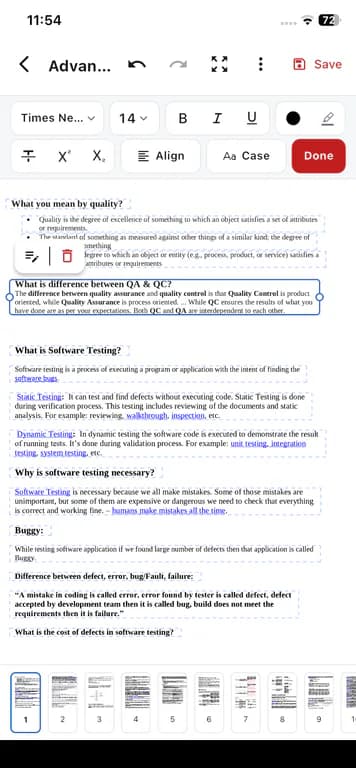
- Edit existing PDF text in place
- Bold, italic, underline, highlight, and font changes
- Pen, highlighter, and eraser drawing tools
- Vector shapes: line, arrow, rectangle, rounded rect, ellipse, triangle, star, callout
Android PDF editor app
Edit, sign, scan, organize, and manage PDF files from your Android phone with PDFix - a freemium mobile PDF editor that processes files on your device.
Scan to install on your phone
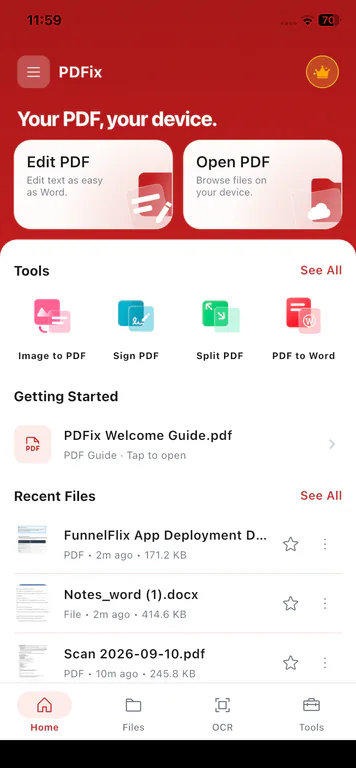
Handle everyday PDF tasks on Android when a computer is not handy - without turning this site into an online editor.
Open a document you received on your Android phone and change existing text in place with Edit PDF.
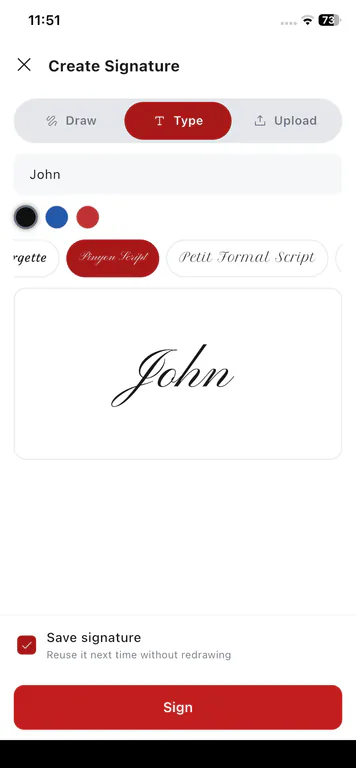
Draw, type, or upload a signature, place it on the page, then share the signed PDF from your phone.
Use the camera or gallery to build multi-page PDFs, with optional on-device OCR for searchable text.
Mark important passages with highlighter, pen, eraser, and shapes while editing on Android.
Reorder, rotate, or delete pages; merge or split PDFs so the file you send is ready.
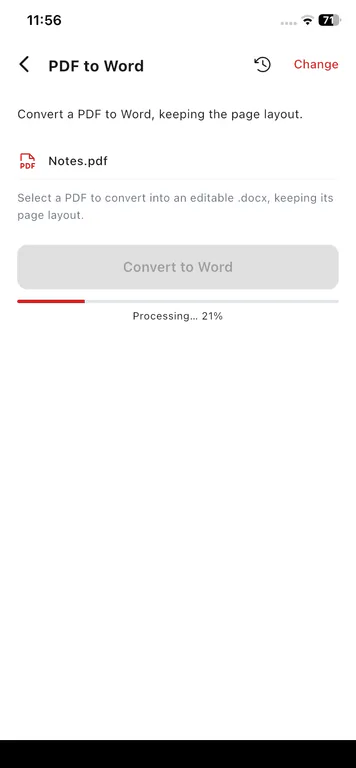
Turn a PDF into an editable Word file on your device, or create a PDF from a Word document.
Shrink large PDFs so they are easier to send, then protect or unlock files you own.
Open and read PDFs in the app. PDF tool operations run on your device - not as a browser upload workflow.
PDFix includes the same mobile toolkit on Android. Capabilities below match the in-app tools - not Android-only exclusives.
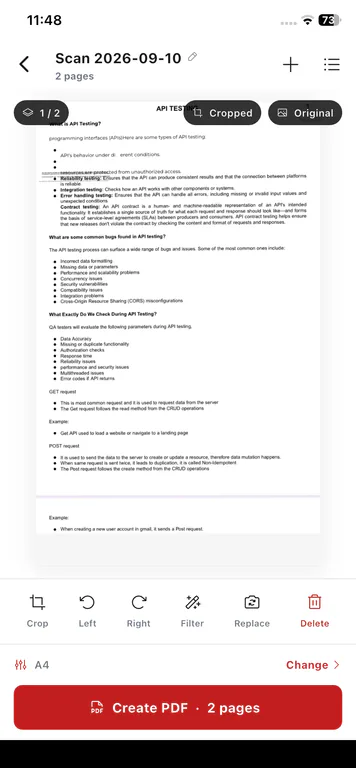
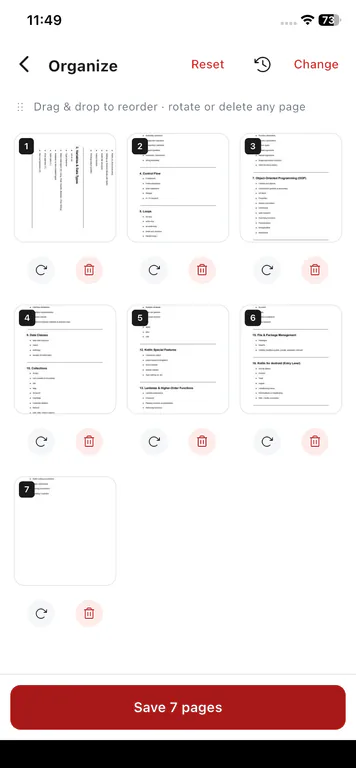
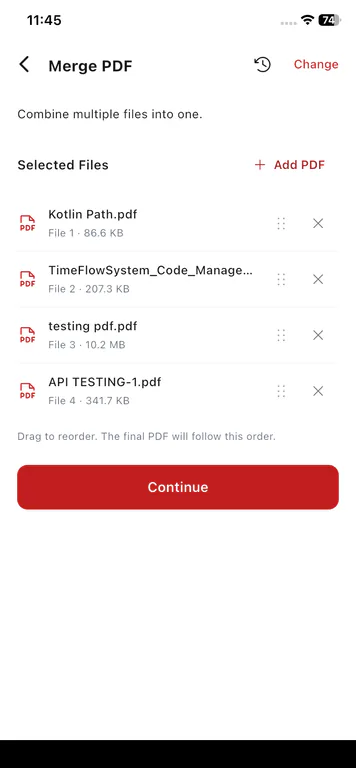
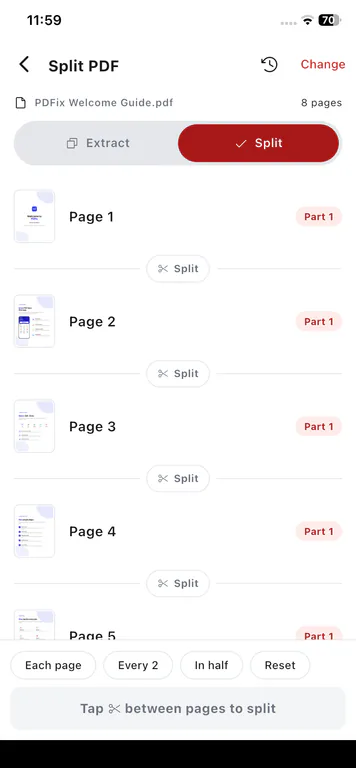
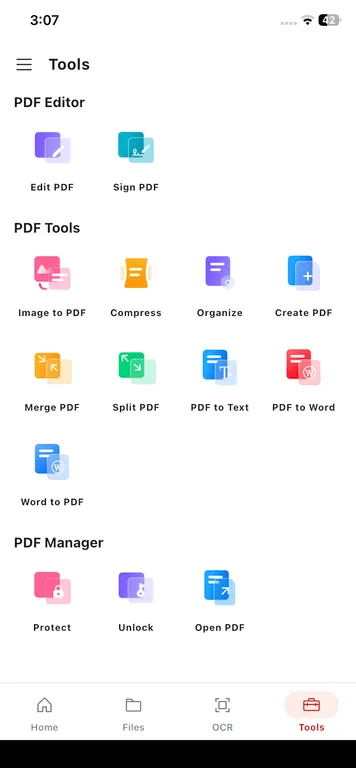
Open the Tools tab for Edit PDF, Sign PDF, Image to PDF with optional OCR, convert, merge, split, organize, compress, protect, unlock, print, and open - all of those tools in the Android app.
PDF processing stays on the phone. Files are not uploaded to Cloud for edit / convert / scan / sign.
The app may still use the network for Google Play receipts, Free-tier ads, crash and performance diagnostics, push notifications, and optional account sign-in.
Start free with all 15 tools on your phone. Upgrade in the app for unlimited use and no ads. Billing goes through the App Store or Google Play.
Free tier
PDFix is freemium. Use the mobile PDF editor app without a subscription. Free accounts can edit 1 PDF per day and use other PDF tools on up to 2 PDFs per day. PDF reading is unlimited. Premium is optional if you want to remove ads and lift the daily limits in the app.
Billed annually through Apple App Store / Google Play
Purchases are handled securely by Apple or Google
Billed monthly through Apple App Store / Google Play
Purchases are handled securely by Apple or Google
Subscriptions are billed through the App Store or Google Play. The website does not charge your card. Auto-renewable. Cancel anytime in your store subscription settings.
Straight answers about editing, signing, scanning, and downloading PDFix for Android phones.
Yes. PDFix is a PDF editor app for Android. Use Edit PDF to change existing text in place, format typography, and mark up documents with drawing tools and shapes - processed on your device.
Get the PDF editor app on Google Play. Free to download, with optional Premium and no ads.
Scan to install on your phone
Optional Premium is available in-app via Google Play. No browser upload required.
Also available for iPhone and iPad. PDFix for iOS · Go to homepage